.svg)
Connect Starbridge to your CRM
Connecting Starbridge to Salesforce or HubSpot places verified contact data, buying signals, and custom account scores directly in the system your team works from, with no manual copying required.
Simple integration setup
Most data integrations require weeks of scoping before a single field syncs. Starbridge is designed for your admin to configure in a single session, without engineering support. Our dedicated support helps with this process directly during onboarding.
With Starbridge, you can:
- Connect to Salesforce or HubSpot through a guided admin workflow
- Let Starbridge's AI recommend which objects and fields to enable based on your team's use case
- Choose exactly which Starbridge capabilities your CRM integration unlocks, fully adjustable from day one
Your team moves from no integration to a production-ready sync without an implementation project.
Automatic account matching
Government and education account data is notoriously hard to match across systems. Agency names vary by source, contacts shift roles without warning, and unique entity identifiers aren't consistent between tools. Bad matching means enrichment lands on the wrong account, or doesn't land at all.
With Starbridge, you can:
- Map your CRM accounts to Starbridge's database of state and local government agencies, K-12 school districts, and higher ed institutions using census ID or IPEDS ID
- Let Starbridge's AI automatically match accounts by name, state, URL, and other identifying details when manual IDs aren't available
- Resolve and deduplicate accounts across your CRM without manual cleanup
Accurate matching is what makes CRM enrichment reliable at scale. Your data lands on the right account, every time.
Granular control over your data sync
Sales teams selling to government and education need different things in their CRM. Some want buying signals surfaced as custom objects, while others need contact enrichment. Most want both, along with custom account scores that indicate which accounts are showing active buying intent. Starbridge lets you configure all of it, down to the field level.
With Starbridge, you can:
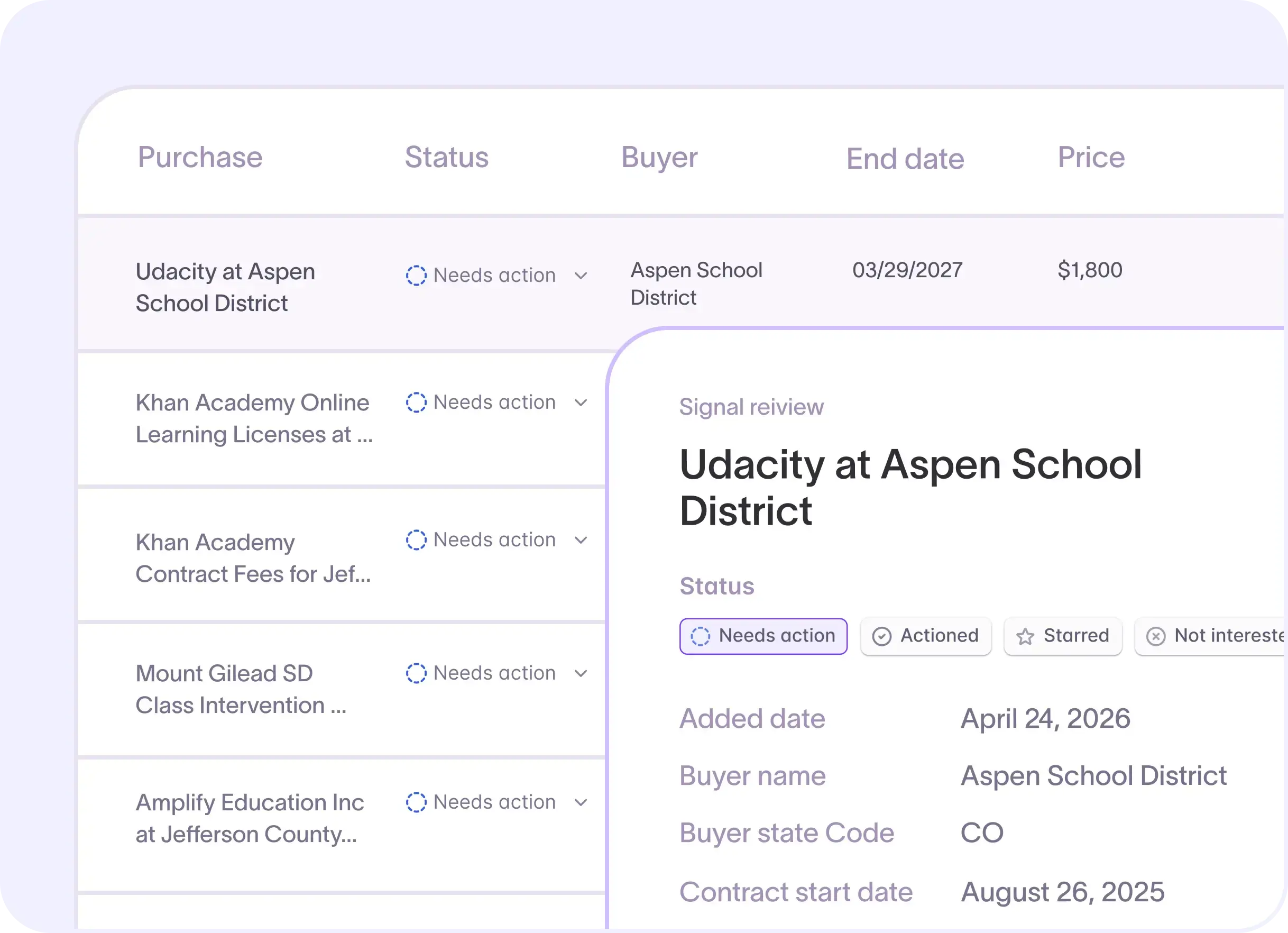
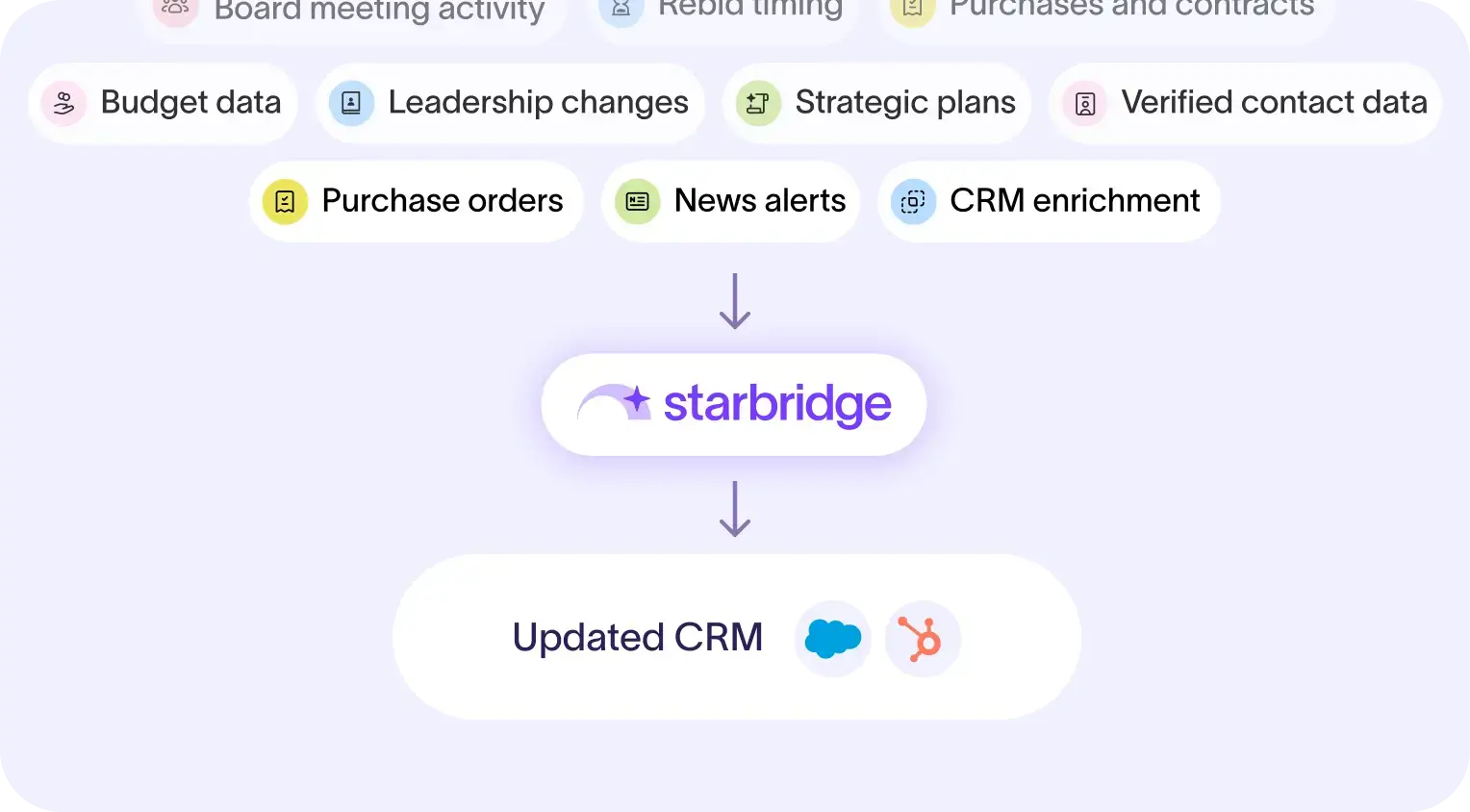
- Push buying signals directly into Salesforce or HubSpot as custom objects, including board meeting discussions, contract expirations, and leadership changes
- Enrich contacts with verified emails and phone numbers sourced by Starbridge's proprietary web-agent technology, built specifically for government and education sources
- Sync custom account scores and enrichments to support territory planning and rep prioritization within your CRM
For each field, choose whether to write only when the field is empty or to overwrite your existing data with Starbridge's verified records. Mantra Health tripled its data enrichment coverage using Starbridge's bidirectional Salesforce sync, enriching 3,000+ accounts across its higher ed territory.
Test, go live, and stay current
A new data sync is only as good as the data your team sees on day one. Starbridge gives you a controlled path to full sync before anything touches your production CRM at scale.
With Starbridge, you can:
- Test with a small batch of accounts to confirm data quality before committing to a full sync
- Choose to insert new objects, update existing records, or use upsert for both in the same run
- Let Starbridge run continuous updates so your CRM always reflects the latest verified government and education account data, without manual exports or scheduled maintenance
Reps stop jumping between tools. Abnormal AI saves 10+ hours per rep per week by centralizing their government account research in Starbridge, with all enrichment synced directly to their CRM.
Ready to add verified government and education intelligence directly to your CRM? Book a demo to see the integration in action.